New
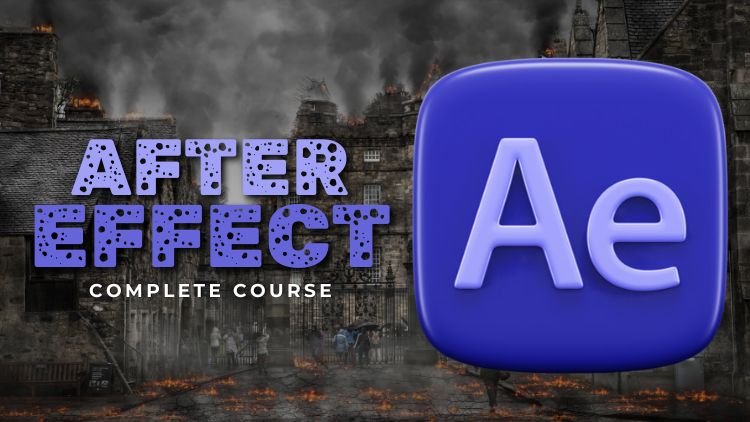
Adobe After Effects From Beginner to Motion Master
Create Stunning Animations & Motion Graphics: After Effects for Beginners

- Description
- Curriculum
- Reviews
Turn your ideas into stunning motion graphics and animations with this beginner-friendly After Effects course!
This course is designed for anyone with no prior experience in After Effects who wants to learn the essential skills to create professional-looking animations and motion graphics. Through a project-based approach, you’ll gain hands-on experience while mastering the core functionalities of the software.
Here’s what you’ll learn:
- The After Effects Interface: Navigate the workspace with confidence and understand key tools.
- Animation Fundamentals: Learn keyframing, animation principles, and create smooth, dynamic animations.
- Motion Graphics Essentials: Master text animation, shapes, layers, and effects to bring your ideas to life.
- Compositing & Visual Effects: Combine footage, graphics, and effects to create compelling visuals.
- Exporting & Optimization: Learn to export your projects for different platforms and optimize for quality.
By the end of this course, you’ll be able to:
- Create eye-catching intros, outros, and lower thirds for your videos.
- Design animated social media graphics and explainer videos.
- Enhance your video editing projects with motion graphics and visual effects.
- Build a strong foundation for further exploration into After Effects.
This course includes:
- Project-based learning: Apply your knowledge through practical, real-world projects.
- Step-by-step instructions: Follow clear and concise guides for each lesson.
- High-quality video lectures: Learn at your own pace with engaging video tutorials.
Ready to take your design skills to the next level? Enroll today and become a Motion Master in After Effects!
What you’ll learn
- Getting Started with After Effects: Understand the interface, tools, and basic functionalities. Learn how to navigate the workspace and customize it to suit you
- Essential Techniques: Master the core techniques including keyframing, masking, and compositing.
- Explore motion tracking, particle effects, and complex motion paths to enhance your projects.
- Visual Effects (VFX): Discover how to create and integrate visual effects.
- Expressions and Automation: Simplify complex animations with expressions.
- Rendering and Exporting: Learn the best practices for rendering and exporting your final projects.
Are there any course requirements or prerequisites?
- Basic Computer Skill
Who this course is for:
- Beginners: No prior experience in motion graphics or After Effects is necessary. This course starts from the basics and progressively builds to advanced topics.
- Video Editors: Enhance your editing projects with professional motion graphics and visual effects.
Adobe After Effects From Beginner to Motion Master
-
1
 Introduction
 -
2
Introduction to Adobe After Effects
-
3
Understanding about composition in After Effects- Part-1
-
4
Creating Type Animation
-
5
Easing and Blurring your Text Animation
-
6
Exporting your Animation
-
7
Lower Thirds Animation and Watermark
-
8
The Graph Editor and Adding Audio in your Video
-
9
Trimming the length of a video
-
10
Basic Colour Correction in After Effects
-
11
Working with vector and looping animation
-
12
Pre-comp and making a motion path
-
13
Working with green screen
-
14
Basic Masking in After Effects
-
15
Animating mask and object separately
-
16
Animated Infographic line chart
-
17
Class Project
Please, login to leave a review